



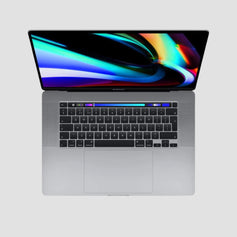


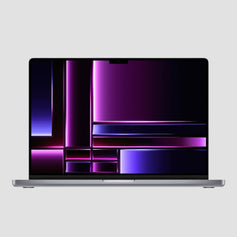

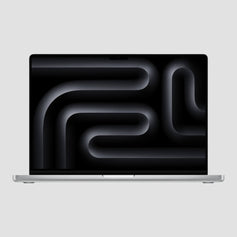
Intel MacBook Pros from 2018–2020 — big screens, Touch Bar, Boot Camp, and the lowest prices on a Pro.
Older MacBook Pros (2018–2020)
Three Intel-era Pros, grouped by model: the 13-inch 2019 / 2020 (two- or four-port), the 15-inch 2018 and the 16-inch 2019. Each card is one model — open it to pick colour, condition and battery. Fair is the best value with honest cosmetic marks; Excellent is like new. All are fully tested, with 85%+ battery health and a 12-month warranty.
Touch Bar + Touch ID · Thunderbolt 3 · Boot Camp (native Windows) · 13” Iris Plus or 15”/16” Radeon Pro graphics · macOS Sequoia (16” 2019 and 13” 2020 four-port: macOS Tahoe)
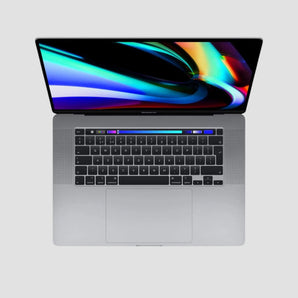
I've used the 16-inch Core i7 and the Core i9 for studying Computer Science at University. The big screen with a split-window app like Magnet makes it perfect for doing many things at once without extra screens on the go — and they run multi-core stencil computations, CFD code and Autodesk Maya 3D work too.
- Top PerformanceSpace Gray
- Silver


- Space Gray


- Top PerformanceSpace Gray
 16-inch MacBook Pro 2.4GHz i9 (2019) Price when new
£3,789–£3,949Save up to 85% - Space Gray

 13-inch MacBook Pro 2.3GHz i7 (2020) Price when new
£1,999Save up to 83%


Will it do what I need?
An Intel MacBook Pro Is Great For
Faster, silent and all-day on battery — the Apple Silicon successors.
Step Up To Apple Silicon
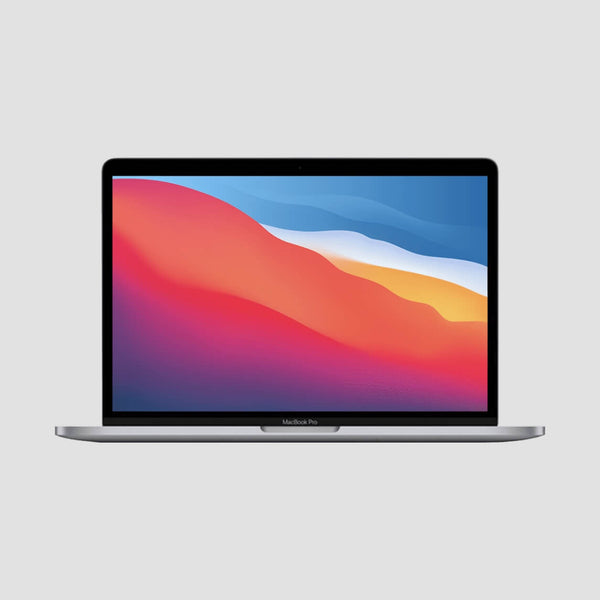 13” M1 / M2 (2020–2022)From £399.99Same Touch Bar chassis, M1 or M2 inside — silent, 20-hour battery, runs the latest macOS.
Most Popular
13” M1 / M2 (2020–2022)From £399.99Same Touch Bar chassis, M1 or M2 inside — silent, 20-hour battery, runs the latest macOS.
Most Popular 14” M1 Pro (2021)From £719.99The Pro chip, XDR display, HDMI and SD slot — the 13-inch Intel's natural upgrade.
More Power
14” M1 Pro (2021)From £719.99The Pro chip, XDR display, HDMI and SD slot — the 13-inch Intel's natural upgrade.
More Power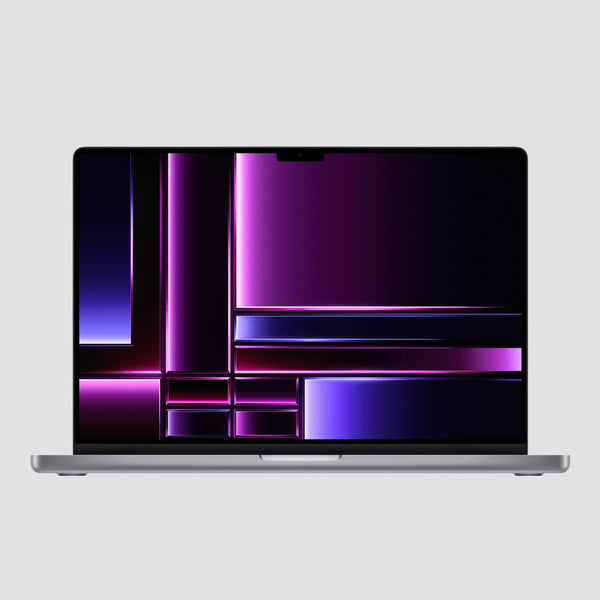 16” M1 Pro (2021)From £684.99The 15”/16” Intel's successor — same big screen, far cooler, with a 100Wh battery that actually lasts.
Older MacBook Pros (2018–2020)
Common Questions
Is an Intel MacBook Pro still worth buying in 2026?
For everyday, office, study and most development work — yes, and it's the cheapest way to get a Pro-class screen, Touch Bar, Thunderbolt 3 and dedicated graphics (15”/16”). What you give up against Apple Silicon: fan noise and heat under load, shorter battery life, no Apple Intelligence, and a macOS ceiling (see below). What you gain that no Apple Silicon Mac offers: native Windows via Boot Camp and full x86 compatibility.
Which macOS does each model run?
The 16” 2019 and the 13” 2020 four-port (4TB3) run the latest macOS Tahoe (26) — the final macOS generation for Intel Macs. The 15” 2018, 13” 2019 and 13” 2020 two-port (2TB3) stop at macOS Sequoia (15), which still receives Apple security updates. Every listing states its operating system in the buy box.
13-inch, 15-inch or 16-inch?
The 13-inch is the light one (1.4kg) with Intel Iris Plus graphics and one external 5K/6K display — ideal for office, study and web work. The 15-inch 2018 and 16-inch 2019 add a 6- or 8-core processor, a dedicated AMD Radeon Pro GPU, up to four 4K external displays and 16–64GB of memory — pick these for CAD, photo and music work, VMs and heavy multitasking. The 16” adds a bigger 100Wh battery, six speakers and the scissor Magic Keyboard.
What's the difference between Fair, Good and Excellent?
Purely cosmetic — every Mac is fully tested and works perfectly regardless of grade. Fair has noticeable scratches or light dents (our best value), Good shows light signs of use, and Excellent looks like new. See our grading guide with photos.
Two-port or four-port 13-inch — what's the difference?
The four-port (4TB3) models have the faster processor, more memory and — in 2020 — 10th-gen chips that run macOS Tahoe. The two-port (2TB3) models are the entry versions: two Thunderbolt 3 ports (both on the left), 8th-gen chips, and macOS Sequoia as the ceiling. Both have the Touch Bar, Touch ID and the same 13.3” P3 True Tone display.
What's included, and what about warranty and delivery?
Every Mac comes with a fully compatible charger, a 12-month RTB hardware warranty, 14-day returns, an 85%+ battery-health guarantee (under 400 charge cycles) and free insured next-day UK delivery on weekdays.
Can I run Windows on it?
Yes — these are the last MacBook Pros that run Windows natively through Boot Camp, which makes them the only Macs for Windows-only CAD, trading platforms and legacy x86 software. On the 15”/16” models Windows gets the dedicated Radeon Pro GPU too. We can set up Boot Camp before dispatch on request.
Discounted One-Offs
Single units in mixed cosmetic grades — fully tested, 14-day returns + 30-day RTB warranty, priced to clear.


Want it Faster ? Go Apple Silicon


Not seeing something you'd really like?
Due to high demand, occasionally some of our products do go out of stock. We are constantly monitoring our stock levels, and we usually expect to replenish any product line within a couple of weeks. If you have a specific specification in mind then just get in touch via the live chat and we'll get it for you.


