


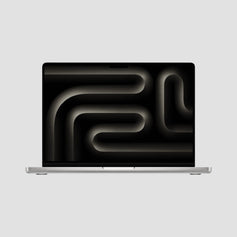
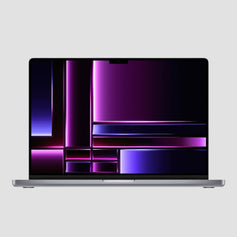
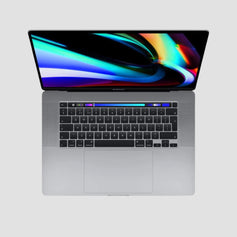

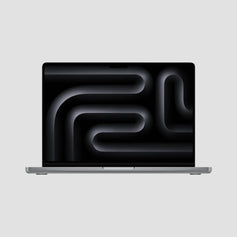
Fast. Performant. Built excellently.
14-inch Macbook Pro M1 Pro
I carry the 14” M1 Max version of this machine daily — same superb chassis and XDR display. Genuinely portable pro power that stays cool under load. A+++
- Space Gray

 14-inch MacBook Pro M1 Pro 8-Core (2021)Price when newExcellentSold out
£1,899–£2,299Save up to 65% - Silver

 14-inch MacBook Pro M1 Pro 8-Core (2021) Price when new
£1,899Save up to 63% - Top PerformanceSilver

- Top PerformanceSpace Gray

 14-inch MacBook Pro M1 Pro 10-Core (2021) Price when new
£2,399Save up to 58%


Will it do what I need?
The 14” M1 Pro Is Great For
More power, bigger screen or newer?
Other MacBook Pros
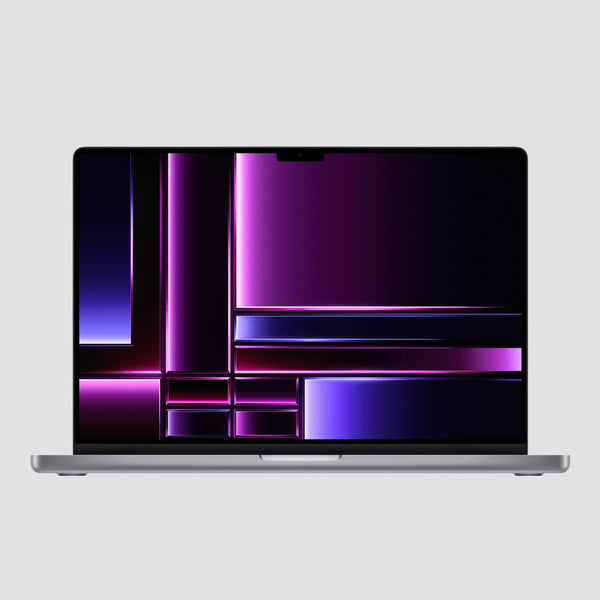
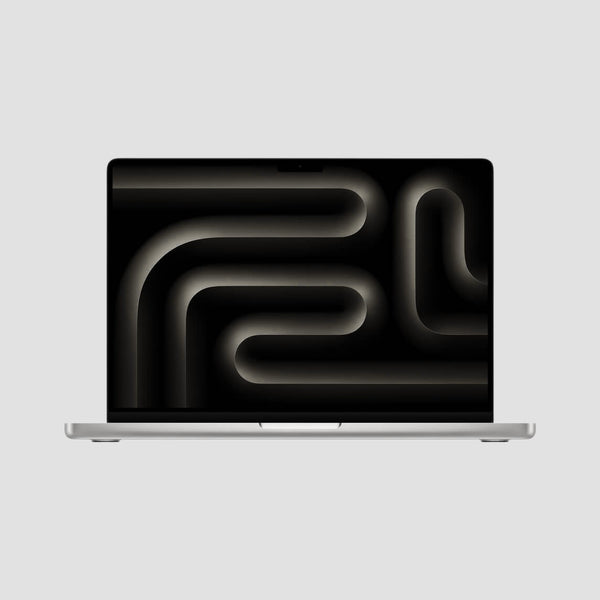
14-inch MacBook Pro M1 Pro
Common Questions
Is the 14” M1 Pro still worth buying in 2026?
Very much so — it's the machine that made the modern MacBook Pro: Liquid Retina XDR with ProMotion, HDMI and SD card back on board, and an M1 Pro that still edits 4K without breaking a sweat. It runs the latest macOS 26 Tahoe and remains the best value pro Mac we sell.
Should I choose 16GB or 32GB?
16GB handles serious work comfortably — 4K editing, big Lightroom catalogues, Docker. Choose 32GB if you keep heavy apps open simultaneously, work with very large projects, or run bigger local AI models.
What's the difference between Fair, Good and Excellent?
Purely cosmetic — every Mac is fully tested and works perfectly regardless of grade. Fair has noticeable scratches or light dents (our best value), Good shows light signs of use, and Excellent looks like new. See our grading guide with photos.
What ports does it have, and how many monitors can it drive?
Three Thunderbolt 4 (USB-C), full-size HDMI, an SDXC card slot, MagSafe 3 charging and a headphone jack — no dongles required. It drives up to two external displays at 6K/60Hz.
What's included, and what about warranty and delivery?
Every Mac comes with a fully compatible charger, a 12-month RTB hardware warranty, 14-day returns, an 85%+ battery-health guarantee (under 400 charge cycles) and free insured next-day UK delivery on weekdays.
M1 Pro vs M1 Max — and should I just get an Air?
The M1 Max doubles the GPU — worth it for heavy 3D, colour grading and larger local AI models; for most pro work the M1 Pro is the sweet spot. If your work is browsers, Office and light creative, a MacBook Air does it for much less.
Discounted One-Offs
Single units in mixed cosmetic grades — fully tested, 14-day returns + 30-day RTB warranty, priced to clear.


