


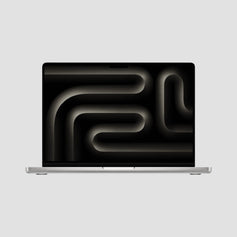
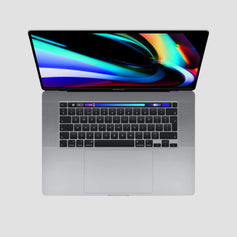


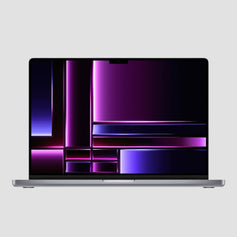

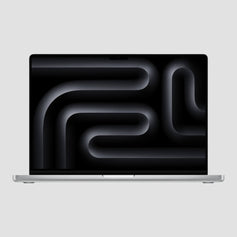
Apple Silicon pro power at the friendliest price.
13-inch Macbook Pro M1/M2
The 13” Pro is the sweet spot in our lineup — Air money, Pro stamina. The fan keeps it fast where the Air slows down, the battery genuinely goes all day, and the Touch Bar models are the last of their kind. The value pick I recommend most. A+++
- Space Gray

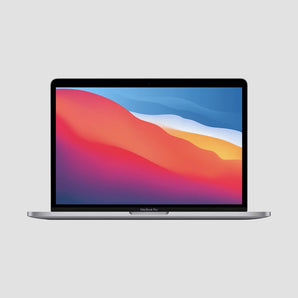 13-inch MacBook Pro M1 (2020)Price when newExcellentSold outGoodSold out
£1,299–£1,499Save up to 67%

Will it do what I need?
The 13” M1 & M2 Are Great For
More power, or lighter and cheaper?
Other MacBooks
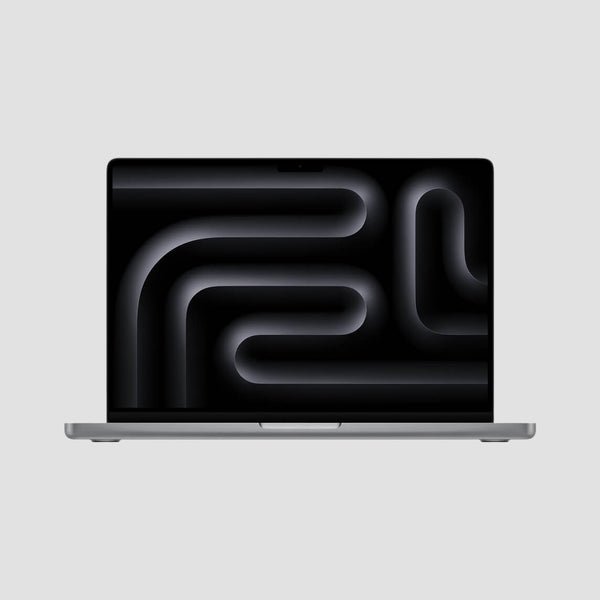
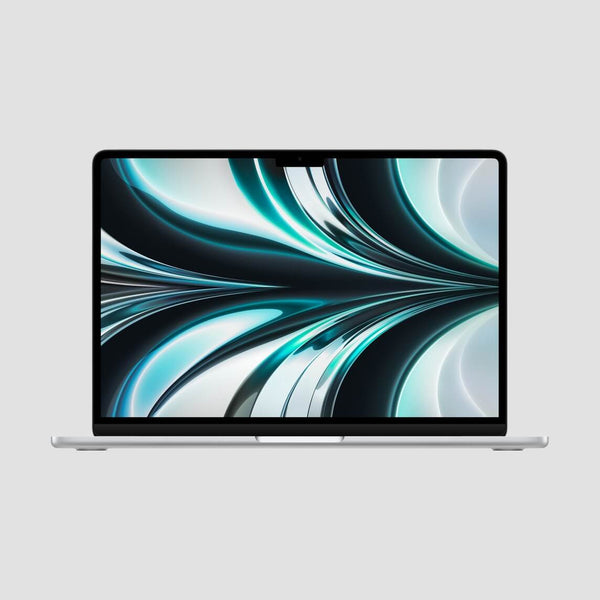
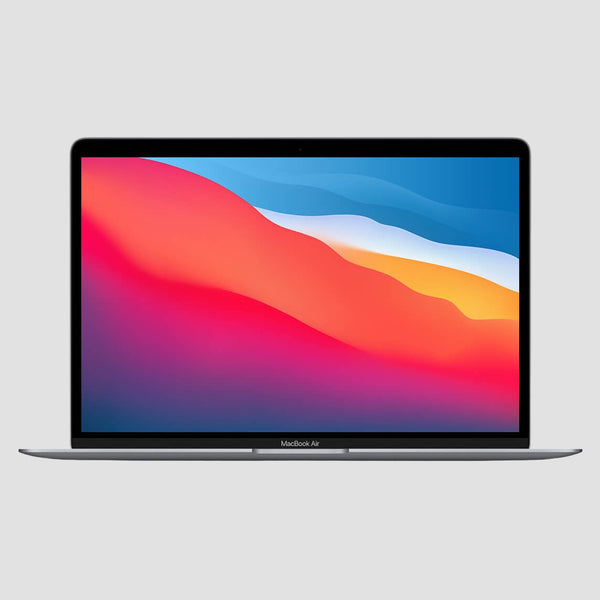
13-inch MacBook Pro M1 & M2
Common Questions
Is the 13” MacBook Pro M1/M2 still worth buying in 2026?
As a value pro machine, absolutely. It's the most affordable way into a MacBook Pro: Apple Silicon performance with active cooling, a bright 13.3” Retina display, Touch ID — and the last of the Touch Bar Macs. It runs the latest macOS 26 Tahoe and still feels quick for everyday and creative work.
M1 or M2 — which should I choose?
Day to day they feel almost identical. The M2 (2022) is roughly 15–20% quicker with a 10-core GPU and can be configured with up to 24GB of memory; the M1 (2020) is the value pick — still fast, usually meaningfully cheaper. If you'll keep it for many years or want the extra memory, take the M2; otherwise the M1 is the smart buy.
What's the difference between Fair, Good and Excellent?
Purely cosmetic — every Mac is fully tested and works perfectly regardless of grade. Fair has noticeable scratches or light dents (our best value), Good shows light signs of use, and Excellent looks like new. See our grading guide with photos.
What ports does it have, and how many monitors can it drive?
Two Thunderbolt / USB 4 ports and a headphone jack; it charges over either port with the included USB-C charger. It drives one external display (up to 6K) — if you need two or more, look at the 14” Pro.
What's included, and what about warranty and delivery?
Every Mac comes with a fully compatible charger, a 12-month RTB hardware warranty, 14-day returns, an 85%+ battery-health guarantee (under 400 charge cycles) and free insured next-day UK delivery on weekdays.
Should I get this or a MacBook Air?
Same chips, different character: the Pro adds a fan (so it holds full speed through long exports and compiles), a bigger battery, a brighter display and the Touch Bar. If your work is browsers, Office and light creative, the Air does it for less; if you push the machine hard for minutes at a time, the Pro is worth it.
M1 Discounted One-Offs
Single units in mixed cosmetic grades — fully tested, 14-day returns + 30-day RTB warranty, priced to clear.


M2 Discounted One-Offs
Single units in mixed cosmetic grades — fully tested, 14-day returns + 30-day RTB warranty, priced to clear.


